Adding Filters
To add filter to the report
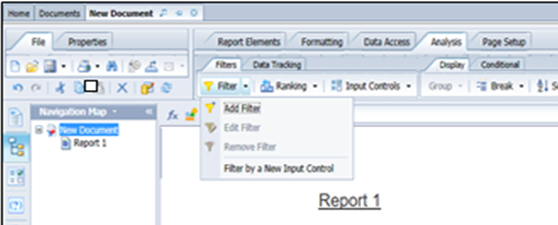
| 1. | On the Analysis pane, select Add Filter from the Filter drop-down menu. |
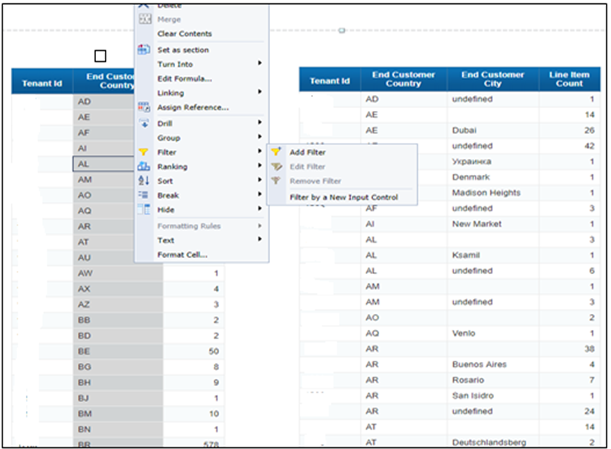
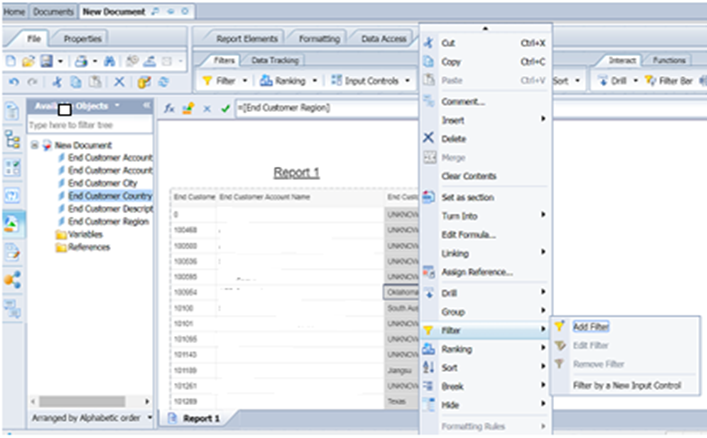
| 2. | Right-click the column on which to create the filter, and then select Filter > Add Filter. |
For a report with two or more blocks, use this same step to create a filter for either or both blocks.